


LinkedIn feels busier than ever. Leaders, operators, creators, and professionals are posting consistently. Ideas are being shared, opinions are forming, and conversations are happening at scale. On the surface, this is a positive shift.
Yet, there’s an underlying issue.
Despite the volume of content, much of it sounds strikingly similar. The tone, the structure, even the phrasing often feel predictable. As posting became easier, individuality started to fade. Efficiency increased, but authenticity took a back seat.
This is where the right AI writing tool becomes essential.
Not a tool that simply accelerates content creation, but one that preserves clarity, intent, and a human voice. One that helps you communicate your perspective without stripping away nuance or personality.
In this blog, we explore nine AI writing tools designed to help your LinkedIn posts sound natural, thoughtful, and distinctly human.
Best AI Writing Tools That Keep Your LinkedIn Voice Natural
Here are the best AI writing tools that help you create LinkedIn content without losing your voice, so your posts sound natural, intentional, and distinctly yours.
1. AuthorityMax
AuthorityMax is built to help you write LinkedIn content that sounds like you, not like a generic AI draft. It learns your tone, structure, and writing patterns from your existing LinkedIn posts, so the content stays consistent with how you naturally communicate. No heavy setup. No prompt engineering.
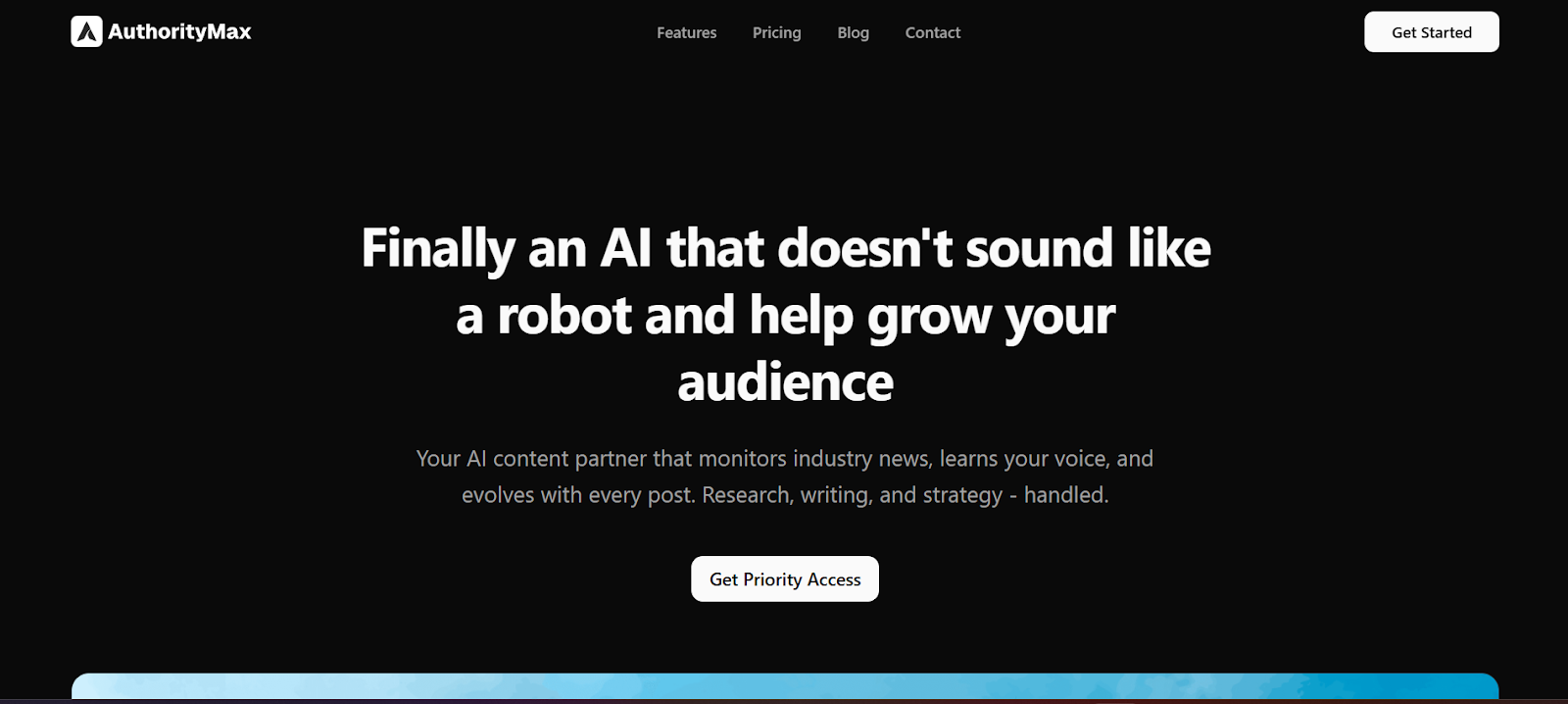
When you start chatting with it, the experience feels different from most AI tools. Instead of immediately generating a post, it looks at your input and identifies what’s missing. If the storyline, angle, or context isn’t clear, it comes back with smart questions around the plot, direction, or point you’re trying to make.

You can also add your own sources and references, ensuring every post reflects ideas you actually stand behind. Research, writing, scheduling, and performance insights all live in one focused workspace.
Key features of AuthorityMax
-
Agentic chat interface: A conversational interface similar to chatting with GPT, but built specifically for LinkedIn content, offering better context awareness, smoother workflows, and higher usability for shaping ideas before writing.
-
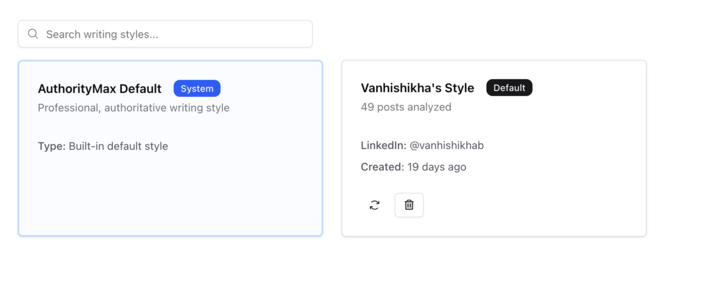
Automatic voice learning: Analyzes your previous LinkedIn posts to understand your tone, structure, and writing style, allowing the AI to produce content that feels consistent without manual training.
-
Agentic chat workflow: Identifies gaps in clarity or direction and asks focused follow-up questions, helping you refine the storyline and intent before any content is generated.
-
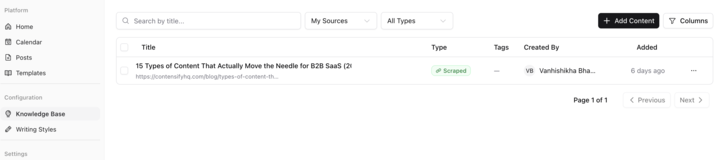
Source-controlled Knowledgebase: Lets you store and reference trusted sources so the AI creates content based on viewpoints you agree with, rather than randomly pulling from the web.
-
LinkedIn-optimized templates: Provides proven post formats aligned with specific goals such as increasing reach, building authority, or driving engagement.
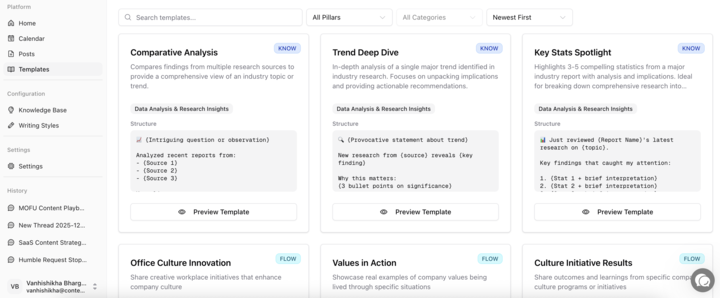
-
Industry-aware research: Brings in timely and relevant insights from your industry to ensure the content stays current and credible.
-
Smart scheduling: Helps plan and space posts consistently across the week, reducing the effort needed to stay active on LinkedIn.
-
Performance feedback: Tracks how your content performs and uses those insights to improve future posts over time.
Why AuthorityMax is the best AI writing tool for LinkedIn
AuthorityMax stands out because it goes beyond isolated tasks and works as a complete LinkedIn content system. Instead of switching between multiple tools, everything happens in one place, from idea support to publishing and tracking results. This reduces friction and makes the process easier to sustain over time.
At the core is agentic AI that doesn’t just respond, but actively supports execution through automation and guidance. This is what separates AuthorityMax from typical AI writers. By removing operational overhead and simplifying the entire workflow, AuthorityMax makes consistent LinkedIn posting realistic, rather than overwhelming.
2. Stanley
Stanley is built to help you stay consistent on LinkedIn by solving one simple problem: what to post. It analyzes your top-performing posts to understand your voice, then suggests content ideas that align with how you naturally write.
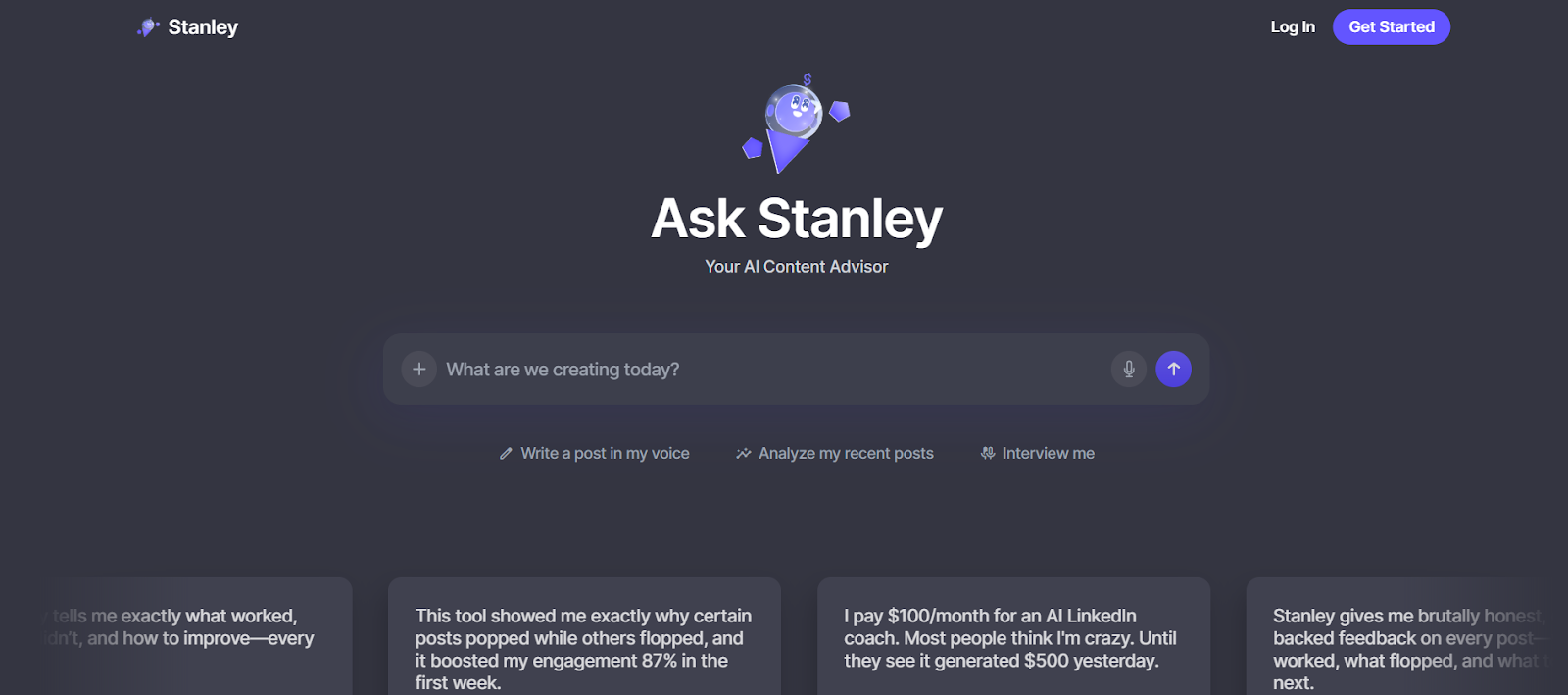
It also keeps an eye on trends within your niche, tracking what’s performing well and translating those patterns into practical post ideas. These are sent to you a few times a week, making it easier to focus on writing instead of overthinking ideas. If ideation is what slows you down, Stanley keeps things moving without adding complexity.
3. EasyGen
EasyGen is built for people who want clarity on what actually works on LinkedIn. Instead of guessing, it uses performance data from top creators and real-time trend signals to guide content creation. The focus is on writing posts that feel relevant, timely, and aligned with how high-performing LinkedIn content behaves.
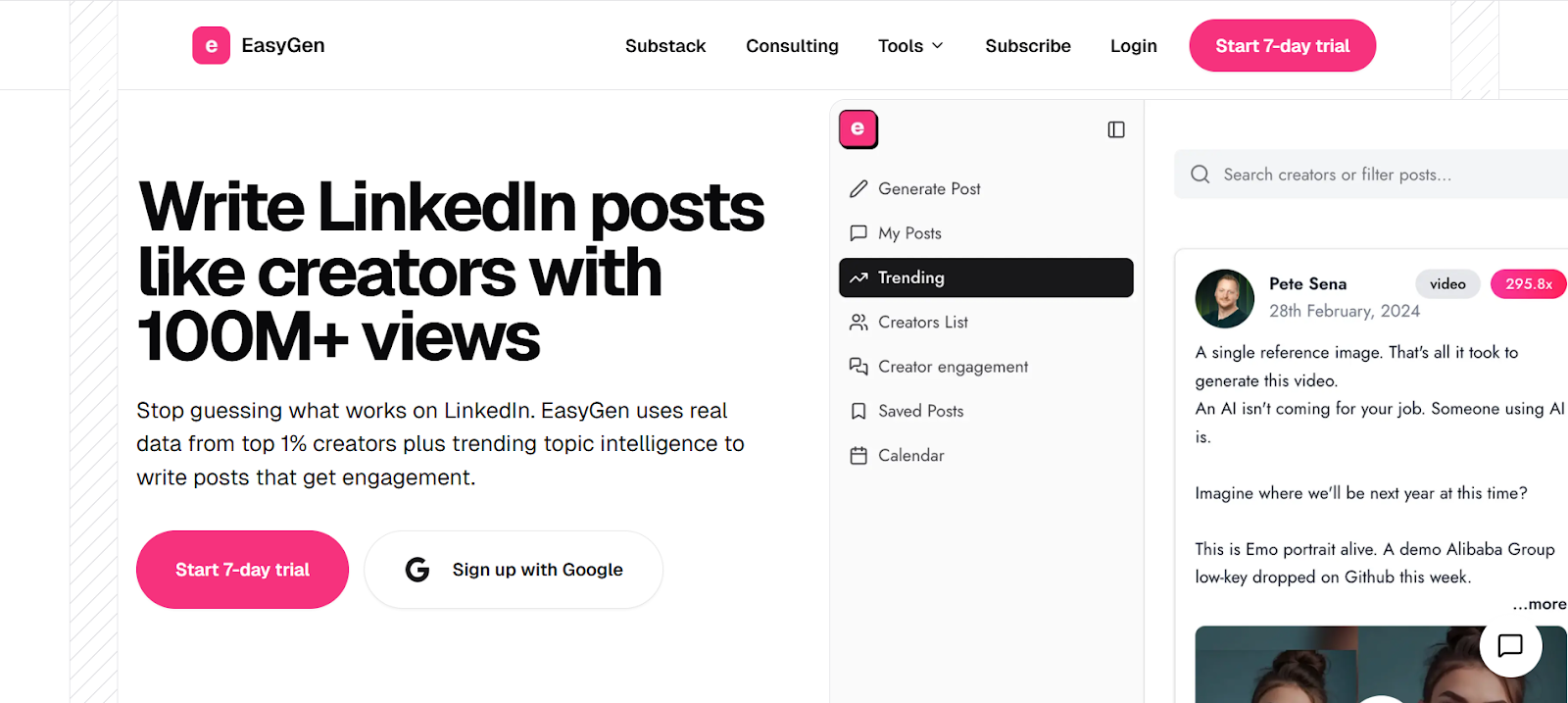
It helps with topic discovery, post structuring, and planning, all in one place. By combining creator insights, trending topics, and voice customization, EasyGen makes it easier to write posts that don’t sound generic, while staying grounded in what drives engagement on LinkedIn.
4. Socialsonic
Socialsonic is built for professionals who want to grow their LinkedIn presence with more structure and less guesswork. It combines trend discovery, content creation, and scheduling into one workflow, helping you stay active without constantly wondering what to post next.

The tool analyzes what’s gaining traction in your industry and uses that insight to suggest content ideas and posts aligned with your goals. With built-in scheduling and performance tracking, Socialsonic focuses on consistency and visibility, making it easier to turn regular posting into a habit rather than a chore.
5. Kleo 2.0
Kleo positions itself as an AI content partner rather than a simple writing tool. It works through chat to help you think, research, and collaboratively build posts. The focus is on moving from idea to post quickly, without losing clarity or intent.
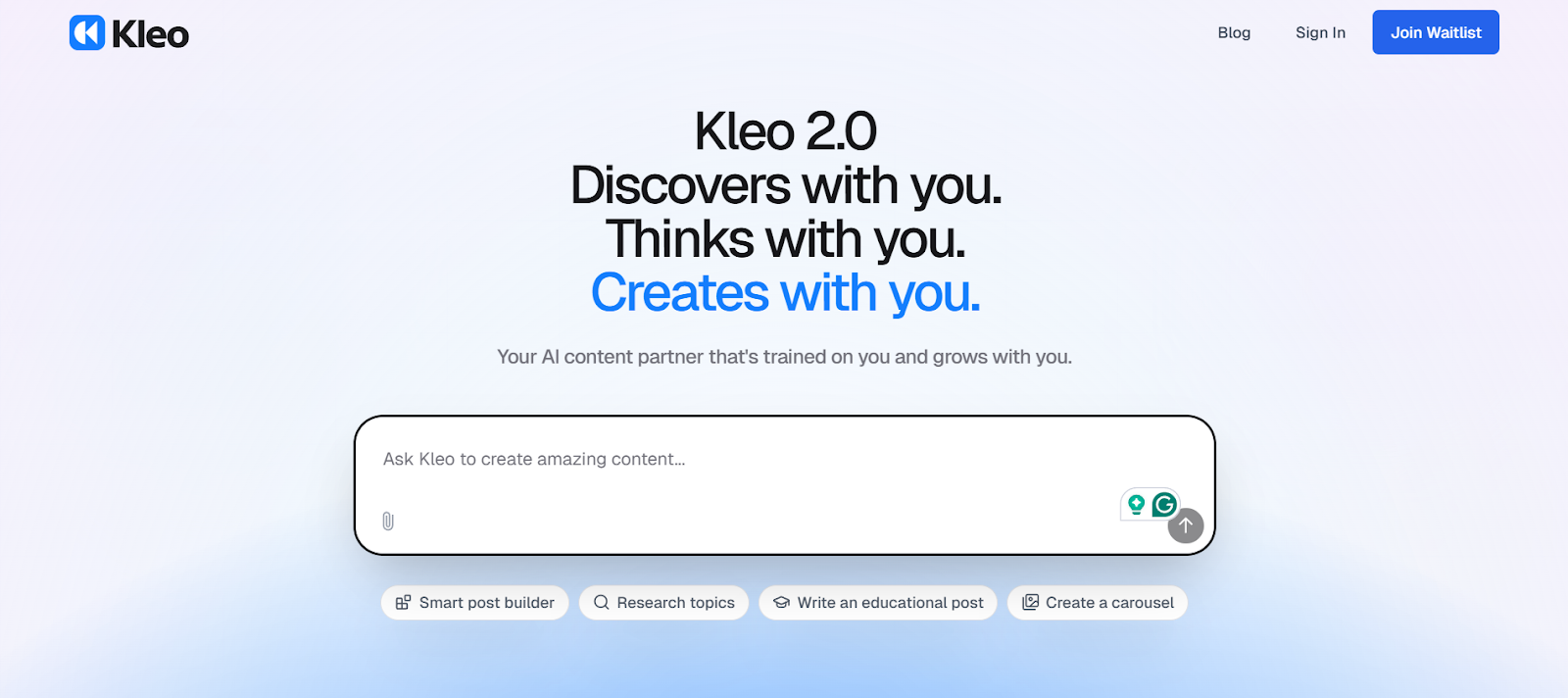
What makes Kleo stand out is how deeply it adapts to you. It learns your writing style, stores context through a knowledge base, and helps you improve posts with feedback and edits. Over time, it becomes less about generating content and more about helping you write better, faster, and more consistently.
6. Claude
Claude is a general-purpose AI that’s often used for LinkedIn writing because of how natural and structured its output feels. Compared to many tools, it’s better at maintaining flow, context, and longer-form reasoning, which helps when you’re shaping thoughtful or nuanced posts.
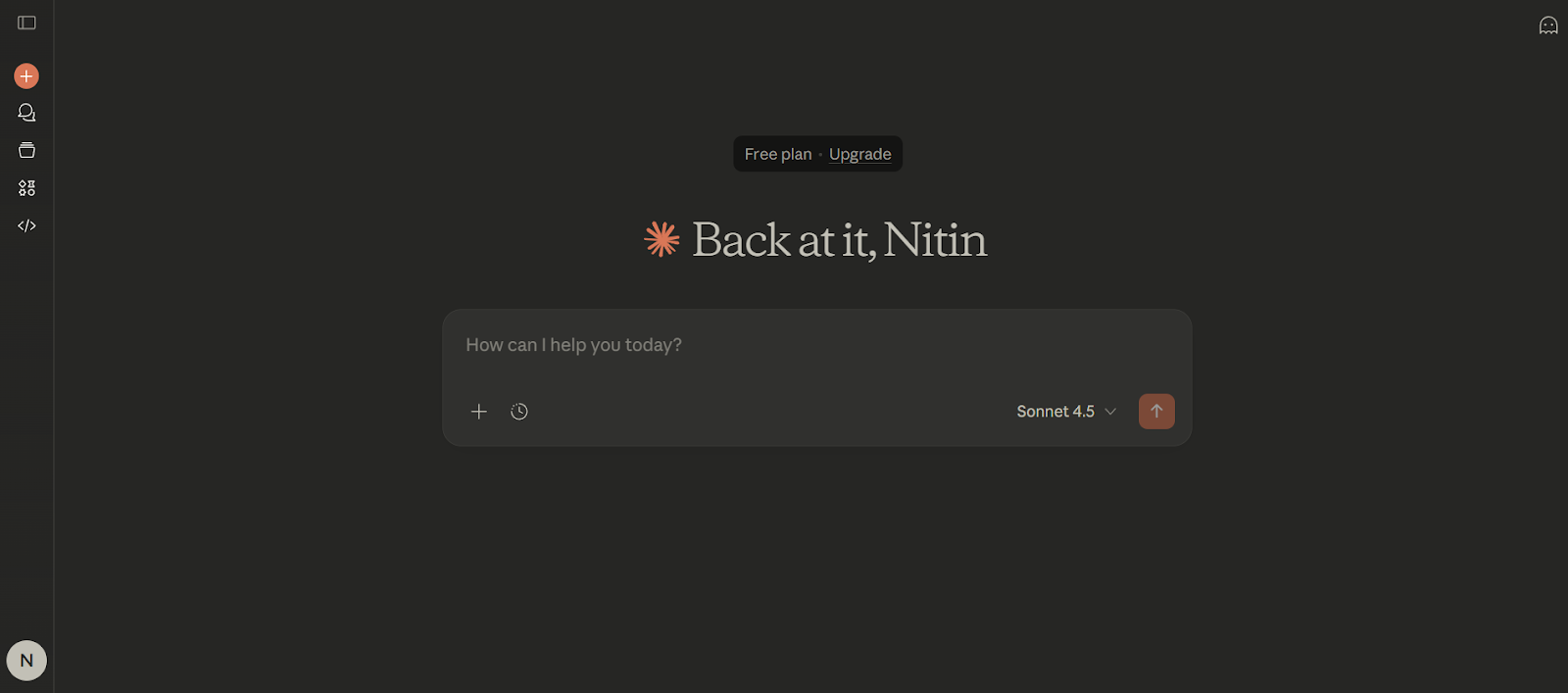
That said, Claude isn’t LinkedIn-specific. It doesn’t know what performs on the platform, track trends, or learn from your past posts unless you guide it carefully. It works best for professionals who already have a clear voice and direction and want a strong writing assistant to help refine ideas rather than manage the entire LinkedIn workflow.
7. GPT-5
GPT-5 is a general-purpose AI that many professionals use to draft and refine LinkedIn posts quickly. It’s strong at structuring ideas, improving clarity, and adjusting tone when you give clear instructions. For users who already know what they want to say, it can significantly speed up writing.
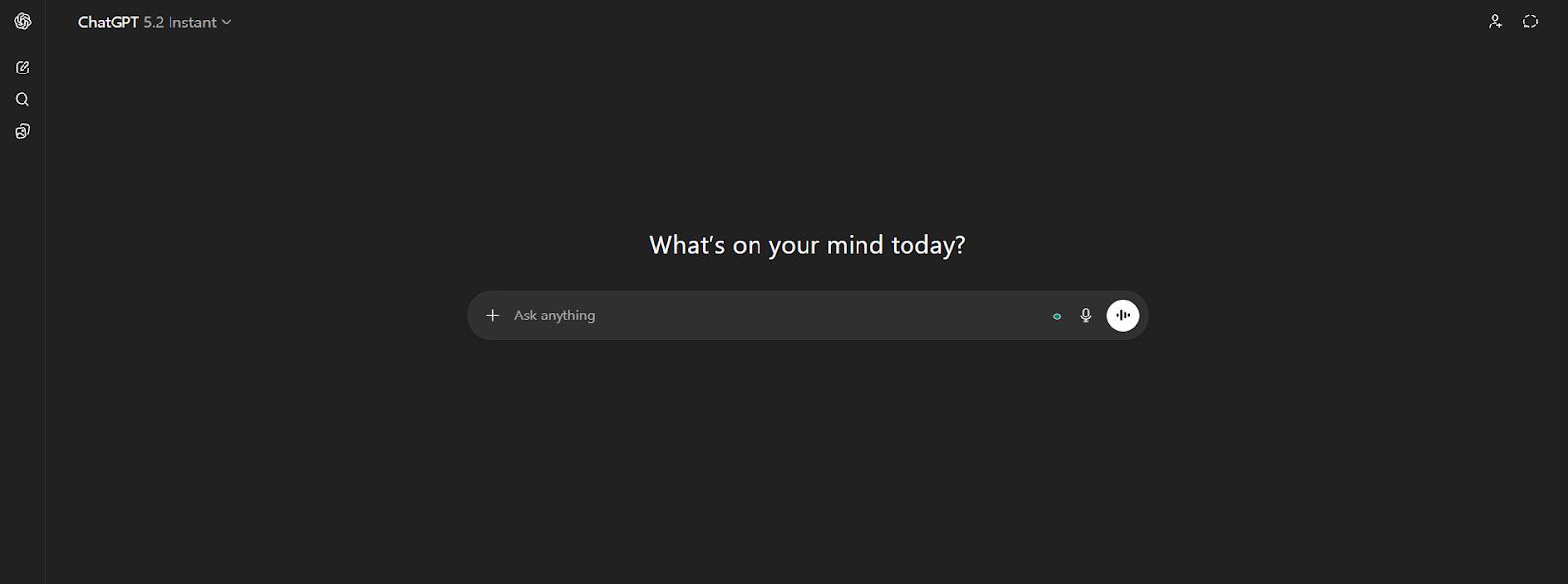
However, GPT-5 isn’t built specifically for LinkedIn. It doesn’t understand platform dynamics, track trends, or learn your voice automatically unless you prompt it carefully each time. It works best as a flexible writing assistant, not a complete LinkedIn content system.
8. Google Gemini
Google Gemini is a general-purpose AI assistant that can be used to write, rewrite, and refine LinkedIn content. It offers a clean chat interface and is particularly useful for improving clarity, restructuring posts, or adapting tone for different audiences.
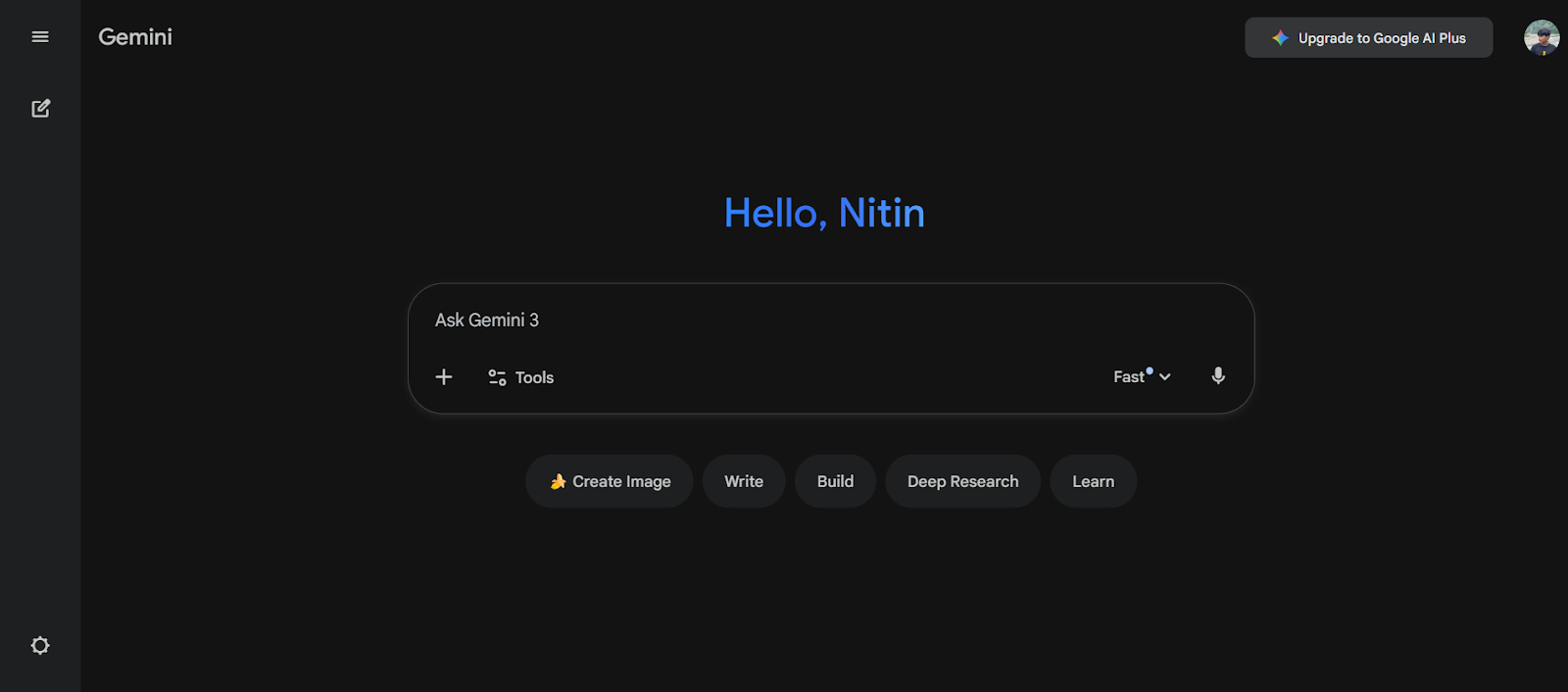
One of its strengths is access to current information from across the web, which helps keep content timely and relevant. Gemini also integrates well with Google Workspace through its advanced version. While it isn’t built specifically for LinkedIn growth, it works well as a supporting tool for drafting and polishing posts.
9. Anyword.ai
Anyword.ai is built for teams that care about how content performs, not just how it reads. It uses AI to generate marketing copy while also predicting performance, making it useful for optimizing LinkedIn posts alongside other channels like emails and ads.
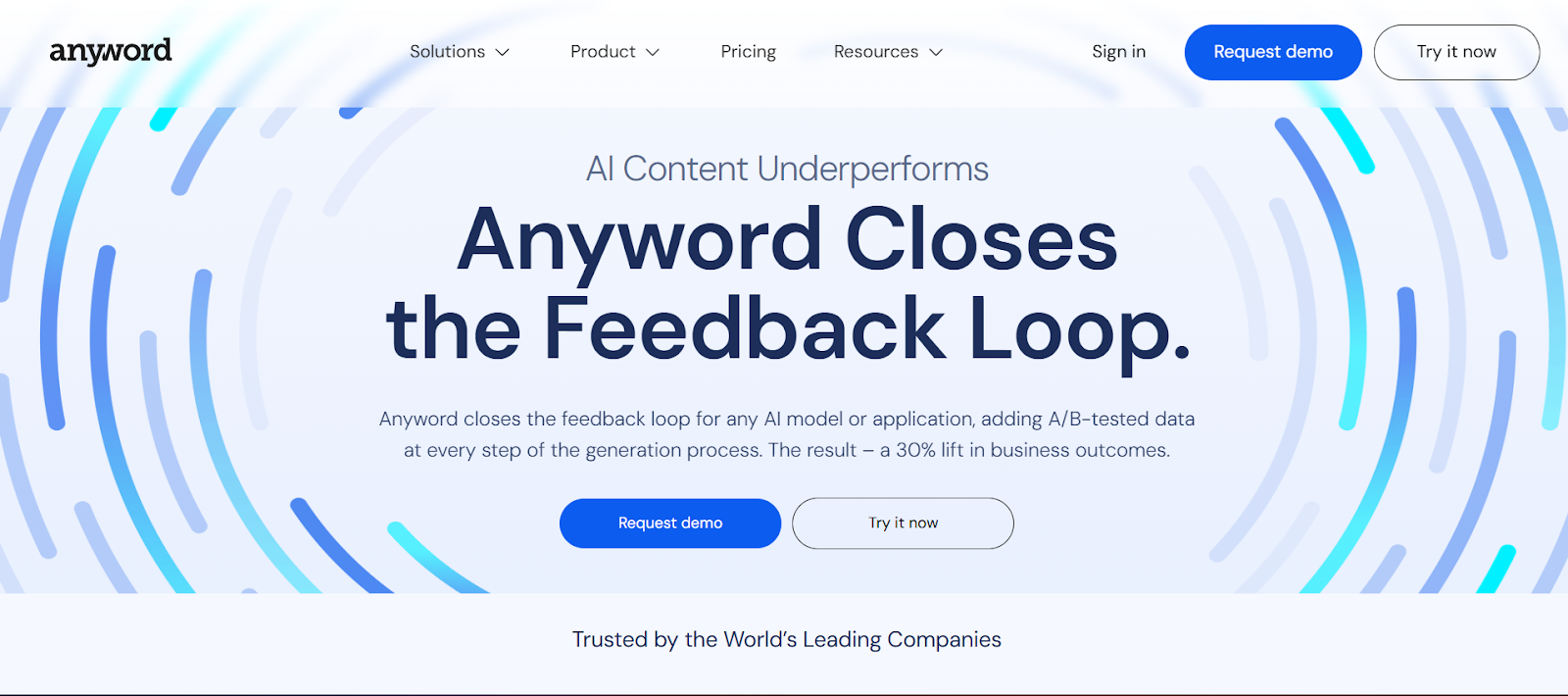
What sets Anyword apart is its focus on testing. With built-in performance prediction and A/B testing, you can compare variations and refine messaging based on data. It integrates with tools like ChatGPT, Notion, and HubSpot, allowing you to apply consistent guidelines across outputs. While powerful, access to its full feature set may be better suited for teams with larger budgets.
Conclusion
Choosing the right AI writing tool isn’t about more content; it’s about better alignment. The tools in this list solve different problems, from idea generation to optimization, but the real advantage comes from using one that fits how you already think and write.
AuthorityMax takes that approach by adapting to your experience and removing friction from the process, making consistency easier without diluting your voice. If LinkedIn plays a meaningful role in your professional growth, it’s a tool designed to support that long-term.